
In today’s digital world, our electronics are a part of daily life — from smartphones and laptops to remote controls and tablets. But while we often focus on performance and battery life, cleanliness is a factor that’s often overlooked. Electronics can easily collect dust, fingerprints, and bacteria, affecting both their functionality and your health. Regular sanitization ensures not only safe use but also optimal performance and longevity.
Why Sanitizing Electronics Matters
Electronic devices are among the most frequently touched objects in homes and offices. They accumulate oils, dust, and microbes that can spread germs and even interfere with device efficiency. Keeping them sanitized reduces health risks and enhances durability.
Key benefits of cleaning electronics:
• Prevents germ buildup and illness spread
• Improves performance by removing dust and residue
• Extends the lifespan of devices
• Maintains screen clarity and touch sensitivity
Step 1: Unplug Before Cleaning
Safety always comes first. Before you start cleaning, make sure all devices are unplugged or powered off. Disconnect chargers, USB cables, and accessories to avoid electric shocks or damage. Allow devices to cool down if they’ve been in use for a long time.
Arrow reminders:
→ Never clean devices while charging
→ Remove batteries from removable gadgets before wiping
Step 2: Use the Right Cleaning Materials
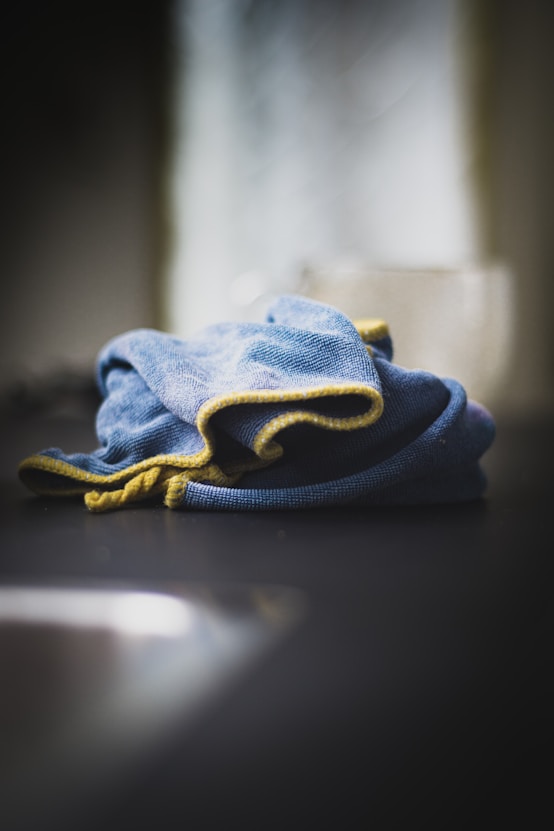
The wrong cleaning solution can harm sensitive screens or cause corrosion. Always choose soft, lint-free microfiber cloths and mild cleaning agents designed for electronics. Avoid paper towels or rough fabrics that can scratch screens.
Recommended materials:
• Isopropyl alcohol (70% concentration or less)
• Distilled water for gentle cleaning
• Cotton swabs for small spaces
• Compressed air cans for dust removal
Step 3: Focus on High-Touch Areas
Keyboards, touchscreens, and remote controls are hotspots for germs. Pay extra attention to these areas while sanitizing. Spray the cleaning solution onto a cloth — never directly onto the device — and wipe gently to remove smudges and dirt.
Quick tips for specific devices:
→ Use a slightly damp cloth for phones and tablets
→ Clean keyboard keys with a soft brush or compressed air
→ Wipe earphones and remotes frequently to prevent buildup
Step 4: Maintain Regular Cleaning Habits
Frequent light cleaning is more effective than occasional deep sanitizing. Make it a habit to wipe your devices weekly or more often in shared environments like offices. Consistency ensures devices remain safe to touch and perform smoothly.
Routine care pointers:
• Sanitize smartphones daily — they’re handled the most
• Dust desktops and monitors weekly
• Disinfect shared office equipment often
Step 5: Protect Devices After Cleaning
Once sanitized, let devices air dry completely before reconnecting cables or powering them on. Store electronics in clean, dry places and use protective covers or cases to minimize dust accumulation.
Clean Devices, Safer Use
Keeping your electronics clean isn’t just about aesthetics — it’s a vital step for safety, hygiene, and performance. With consistent care and the right cleaning methods, your devices will look newer, run smoother, and stay safer for everyday use. Clean tech leads to a clean lifestyle — where health, safety, and performance go hand in hand.